
Learn how you can use the EQ program without leaving your home. There are now online EQ classes available – three total!
I was able to work through class #1 – it’s a fantastic place to start. Super easy to follow and watch when you need. You know I’m a big fan of things online. Not having to travel, haul all the stuff, etc. So this is such a great opportunity for any quilter who uses the program (new or returning) to learn a bit more.
These classes are designed for all levels of quilters—not just pattern designers.
Whether you’re brand-new to EQ8 or you’ve been using it for years, these step-by-step lessons make it easy to build confidence and start creating with the program.
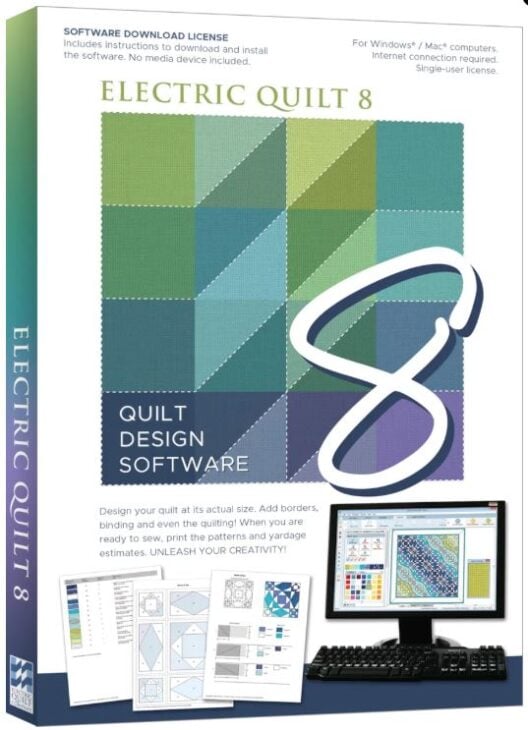
Online EQ8 Classes
EQ At Home is a series of online video classes that will help you learn your EQ software. On camera is EQ’s own Jenny Novinsky walking you through each step! These online classes will have you designing your own quilts fast and feeling confident. Plus, you’ll have easy access to help from the teacher!
All Classes Includes:
- Over three hours of on-demand video content that you can work through at your own pace. You can watch (and re-watch!) the class whenever you like.
- Videos are broken into easy-to-watch segments, so you can take breaks and come back to the class whenever your busy schedule allows.
- Closed Captioning available on all videos.
- Direct help from EQ staff using the Ask the Teacher form.
- Gallery where you can share your quilts from class and see other students’ designs.
You can watch a demo
Why Take the EQ Classes?
- Clear, structured lessons – follow along at your own pace with guided tutorials.
- For all quilters – you don’t need to design patterns to benefit; the tools help with planning, color testing, fabric yardage, and more.
- Practical tools – learn how to print rotary cutting charts, foundation patterns, and templates.
- Save time and fabric – test layouts, blocks, and colorways before you cut into your stash.
- Lifetime access – revisit the class any time for a refresher.
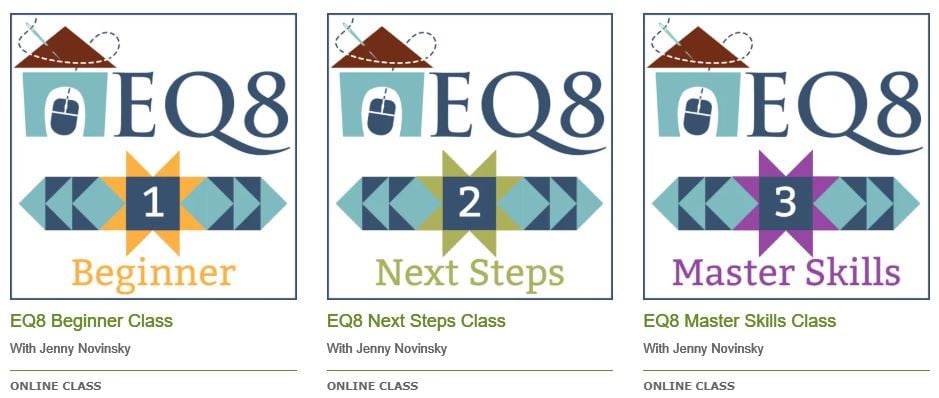
EQ Class #1 Topics
- Learn the basics of navigating the three worktables in EQ8, as well as using the Block and Fabric Libraries.
- Add your designs to the sketchbook and save project files with confidence.
- Create quilts and blocks from scratch, while learning the skills you need to design your own beautiful quilts.
To see a full list of topics covered in this class, download a PDF of the class outline.
EQ Class #2 Topics
- Go beyond the basic horizontal and on-point layouts and explore the other quilt styles available on the Quilt Worktable.
- Draw blocks from scratch on the Block Worktable, and edit blocks from the library to customize the designs.
- Explore the editing options on the Image Worktable.
- Save items to the Favorites section of the libraries.
- Build on the skills you learned in the first class and take your EQ8 designs to the next level!
To see a full list of topics covered in this class, download a PDF of the class outline.
EQ Class #3 Topics
- Explore more advanced quilt layouts on the Quilt Worktable, and utilize the quilts available in the Layout Library.
- Draw blocks using the special grids available in PolyDraw.
- Create unique blocks (without drawing!) using the Serendipity features.
- Work with photos and other images on the Image Worktable.
- Customize your EQ8 settings to make the most of your design time.
- Continue to build on the skills you learned in the first two classes and become an EQ8 master!
To see a full list of topics covered in this class, download a PDF of the class outline.
How These Classes Help You Quilt
- Plan your next quilt from start to finish with accurate measurements.
- Experiment with different fabrics (even import your own stash fabrics!) to see what works.
- Preview color options without making a single cut.
- Create blocks and layouts that match your quilting goals—whether simple or advanced.
- Print foundation papers, rotary instructions, or templates to make sewing easier.
The EQ At Home Classes are the perfect way to take the guesswork out of quilt planning.
With clear lessons and practical tools, you’ll gain the confidence to use EQ8 for everything from color play to full quilt designs.
No matter your skill level, these classes will help you finish more quilts, try new ideas, and make the most of your software investment.
More EQ Resources:
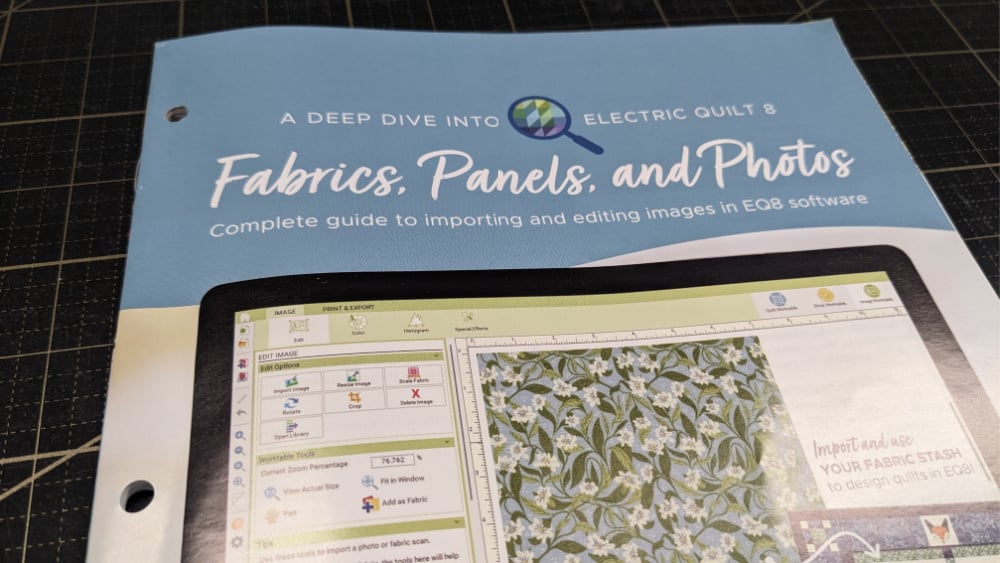
Learn how you can use EQ with fabric, panels and photos – this is a great resource!

EQ Four Seasons Blocks – these are a wonderful addition to the basic blocks. Easy to use and personalize.

Using EQ with AccuQuilt blocks. It’s a wonderful combination!

